
AI Data Modeling: Enough Talk. Let's See It in Action
Most AI data modeling tools stop where the real work begins. You get a plausible diagram, no reasons attached, and no way to argue with it. DeltaVault’s AI business modeling workshop is built for the argument.
This is the middle of the loop this how we use AI series follows. You set the context first, you bring in the content next, and then come the three steps that do the actual work: instruct, review, refine. The workshop runs all three on one screen.
Watch this in action:
Instruct: point it at the content you already have
Open a business model’s canvas and start a workshop. The launch form is mostly a set of decisions about context. The model’s own AI context, written on its overview, comes along by default. So does everything already on the model, plus a digest of your other models, so proposals build on your estate instead of duplicating it. Each of those is a switch, and you turn one off when including it would mislead the run.
Content comes next. Pick documents from your AI knowledge base and the workshop reads those and only those. Type the business stories in, dictate them by voice, or attach a file: last week’s meeting transcript will do, and it is read for that one run and never stored. Switch on attribute discovery and the same run also looks for the facts each concept records, such as an order date, a discount amount, or an invoice amount.
The last field is the effort level, and it matters less than the dial suggests. Moving from Standard to Expert will not rescue thin content, and it barely improves good content. Quality comes from the context and content you chose. The previous post made that argument; the workshop is where you watch it come true.
Why does the workshop show you its reasoning?
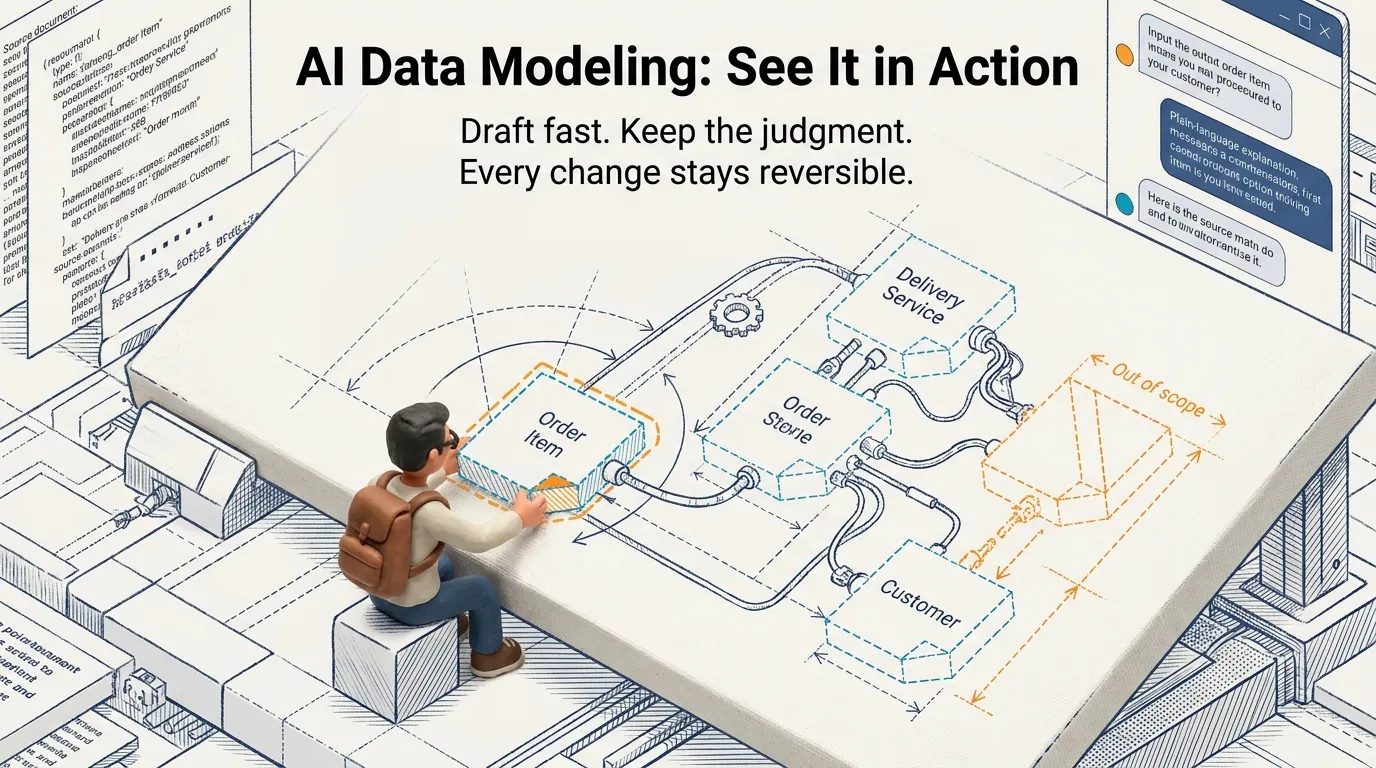
Start the run and nothing interrupts you midway. In our Orders walkthrough, the workshop read the source documents alongside the model context, found seventeen business concepts, then ran its entity relationship discovery across them and the facts each one records, with a plain-language explanation arriving close behind. Every proposal lands dashed on the model’s own canvas, so you never mistake a suggestion for the model underneath it.
The proposals argue for themselves. Each entity carries notes explaining why it was proposed, and any concept the workshop judged as belonging somewhere else arrives marked out of scope with the reasoning attached. We had said this model is about orders and order items, so Customer sat outside the line. Overruling that took one decision: Customer came into scope, and Delivery Service and Product followed it in. Delivery Promise and Club Discount Arrangement went the other way, because a model is as much what you leave out as what you keep. Drop a concept and every relationship that depends on it goes with it.
Refine: say the change, read the result
One gap stood out on the canvas. Order Item connected to Delivery Service, but nothing carried the delivery to an address. Rather than draw the fix, we typed it into the chat: associate the Delivery Service with the Delivery Address, because deliveries are delivered there. The chat reviewed the model, added the relationship, and reported back on what it had done.
Renames work the same way. We asked it to rename Sales Channel to Channel, and it did, though it made a mistake along the way, which is exactly why the next message matters. We asked it to revert that change, and it did that too. The chat is not magic. It is a fast pair of hands on a model you can read, and every change stays reversible until you apply.
Apply is the only write
Up to this point, nothing has touched your model. Select Apply and the business entities, relationships, and facts you kept are written through the same review path as every other metadata change, the way a data catalog records any other governed edit. Anything that could not be applied is named for you rather than quietly swallowed.
What comes back is a working conceptual data model. Select any entity and its relationships and attributes are there to read and edit. When the next round of documents turns up more, run the workshop again: what the model already holds is reused rather than duplicated.
The AI does the drafting and you keep the judgment calls. Each of those calls is the same size, in or out, this name or that one, yes or not like that.
- Open a business model and start a workshop.
- Bring the content you already have.
- Keep what argues for itself, and drop the rest before you apply.
When the source will not give up the shape the model needs, the next step is The model says yes, the source says no.